
If you've forgotten your password, you can reset it using the email address associated with your Hsoub account.
Go to the Sign In page, then click Forgot your password?.
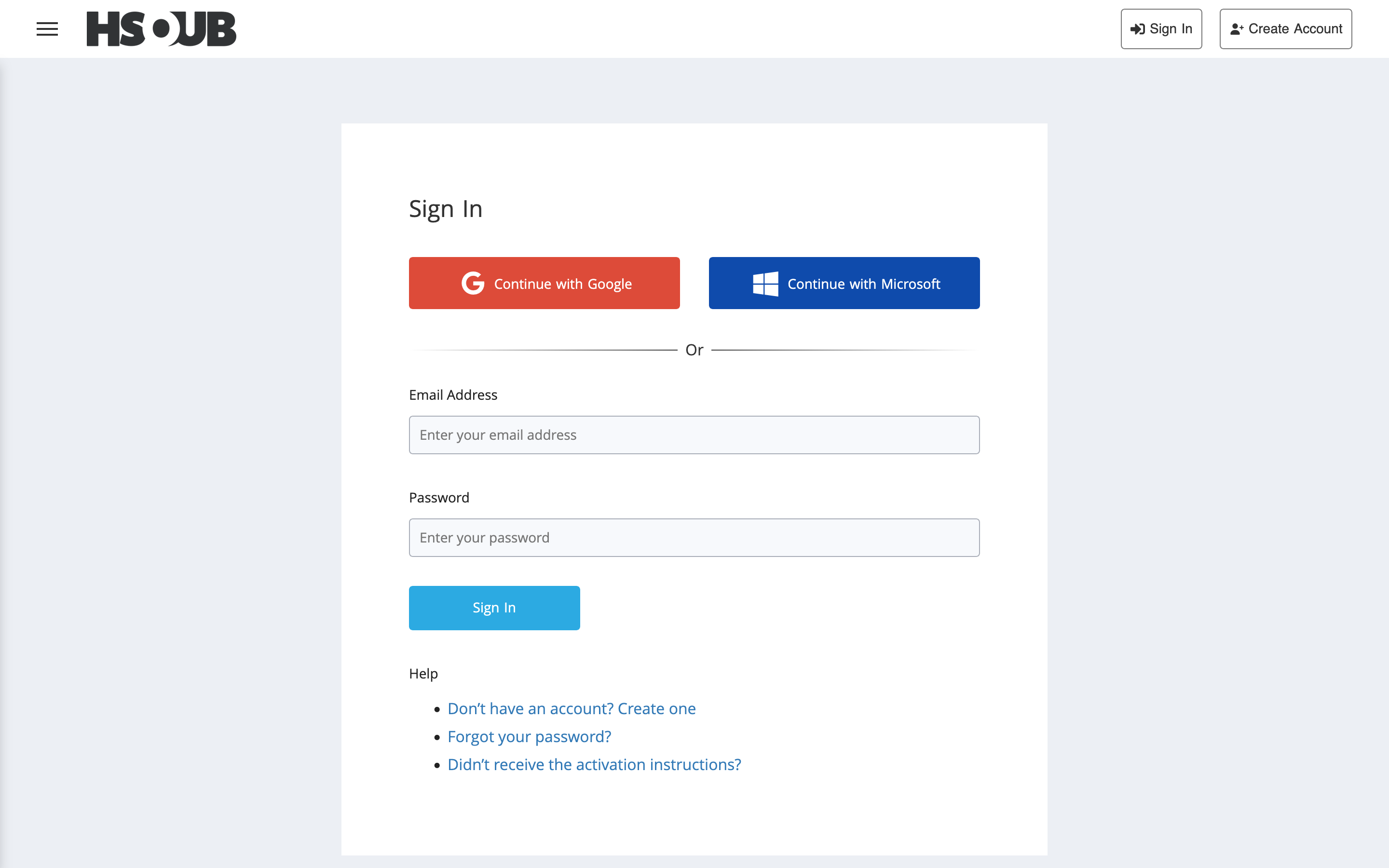
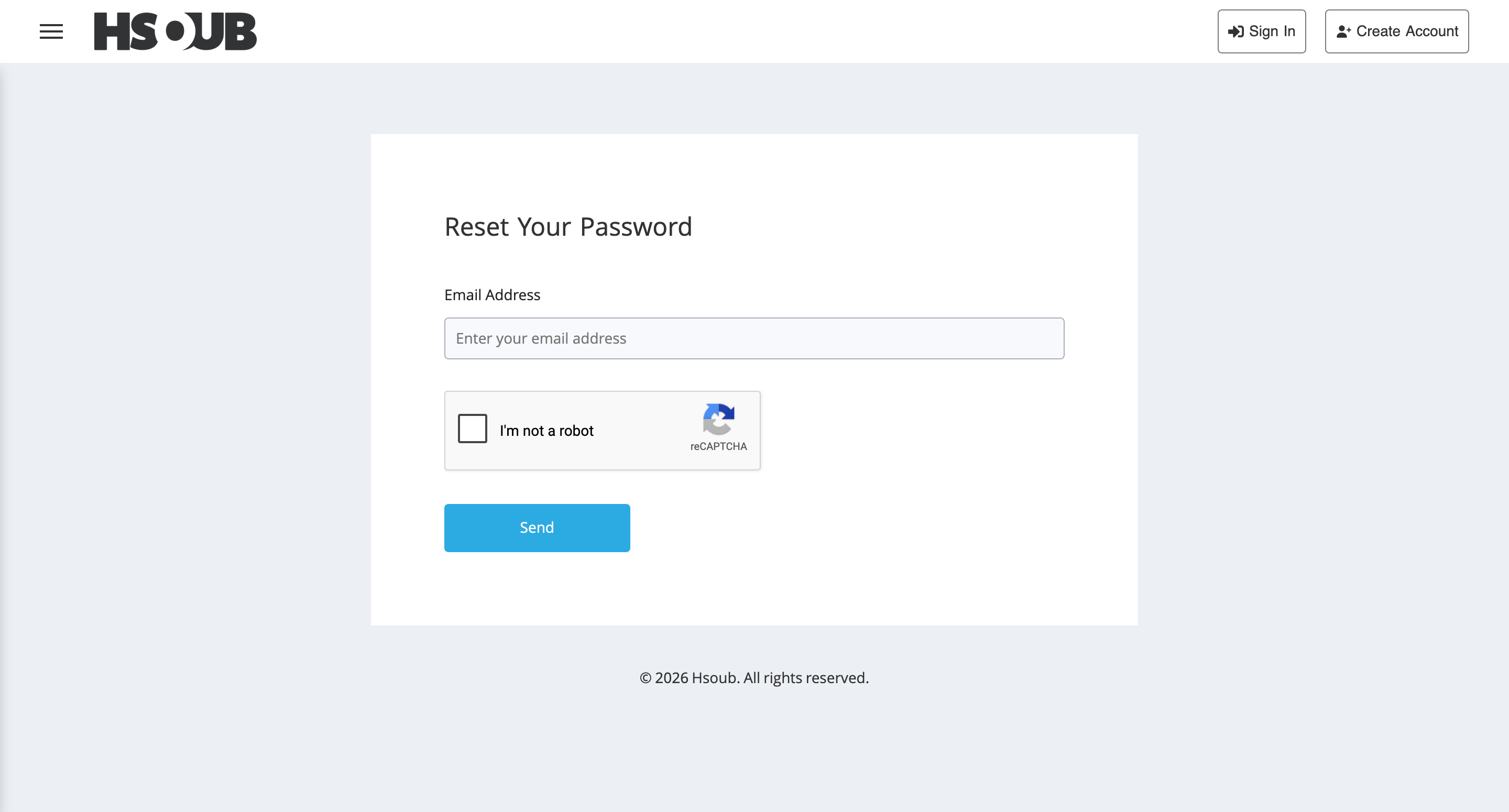
Enter the email address associated with your account, complete the CAPTCHA verification, then click Send.
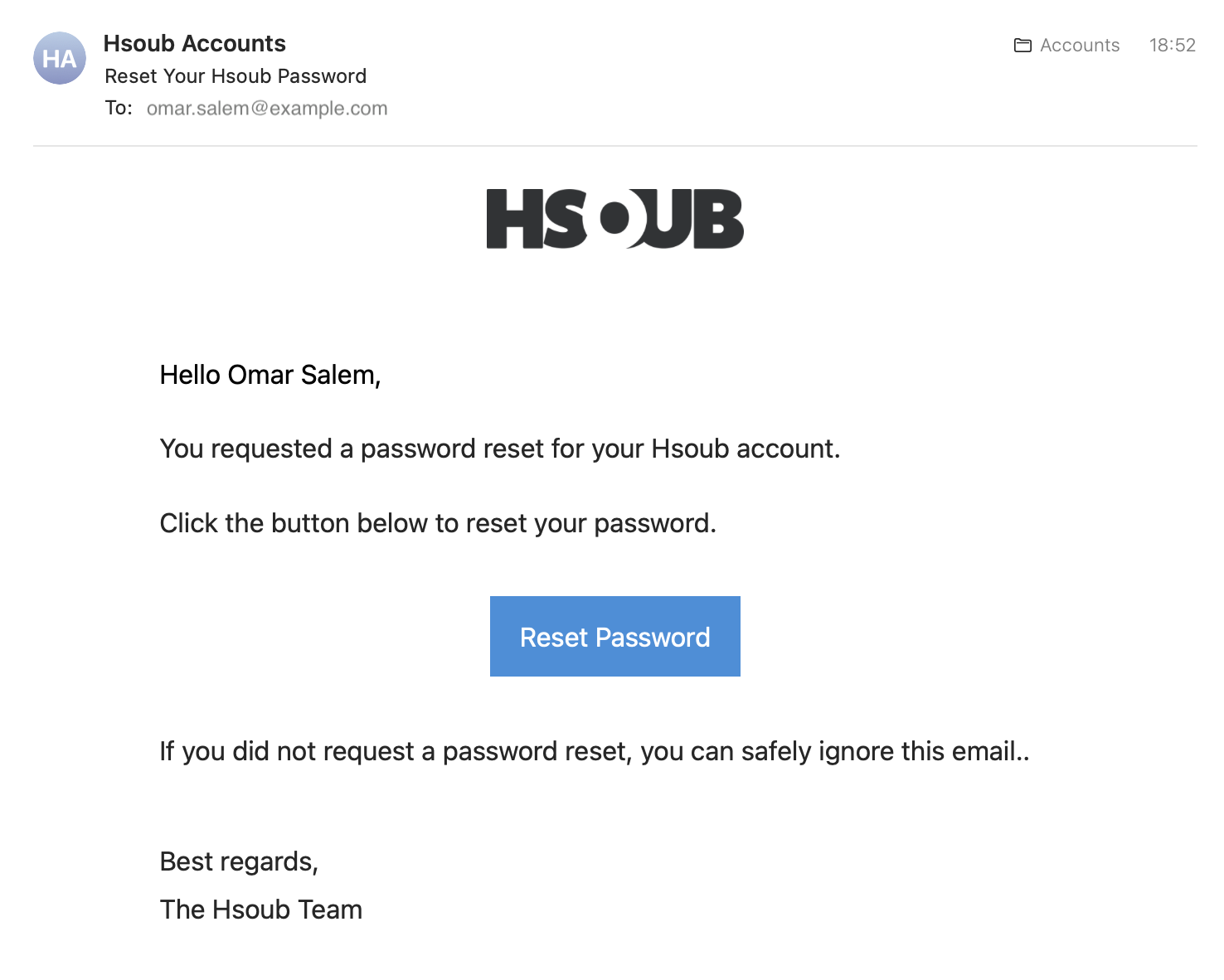
Open the password reset email from Hsoub and click Reset Password.
Enter your new password in the New Password field, then re-enter it in Confirm New Password.
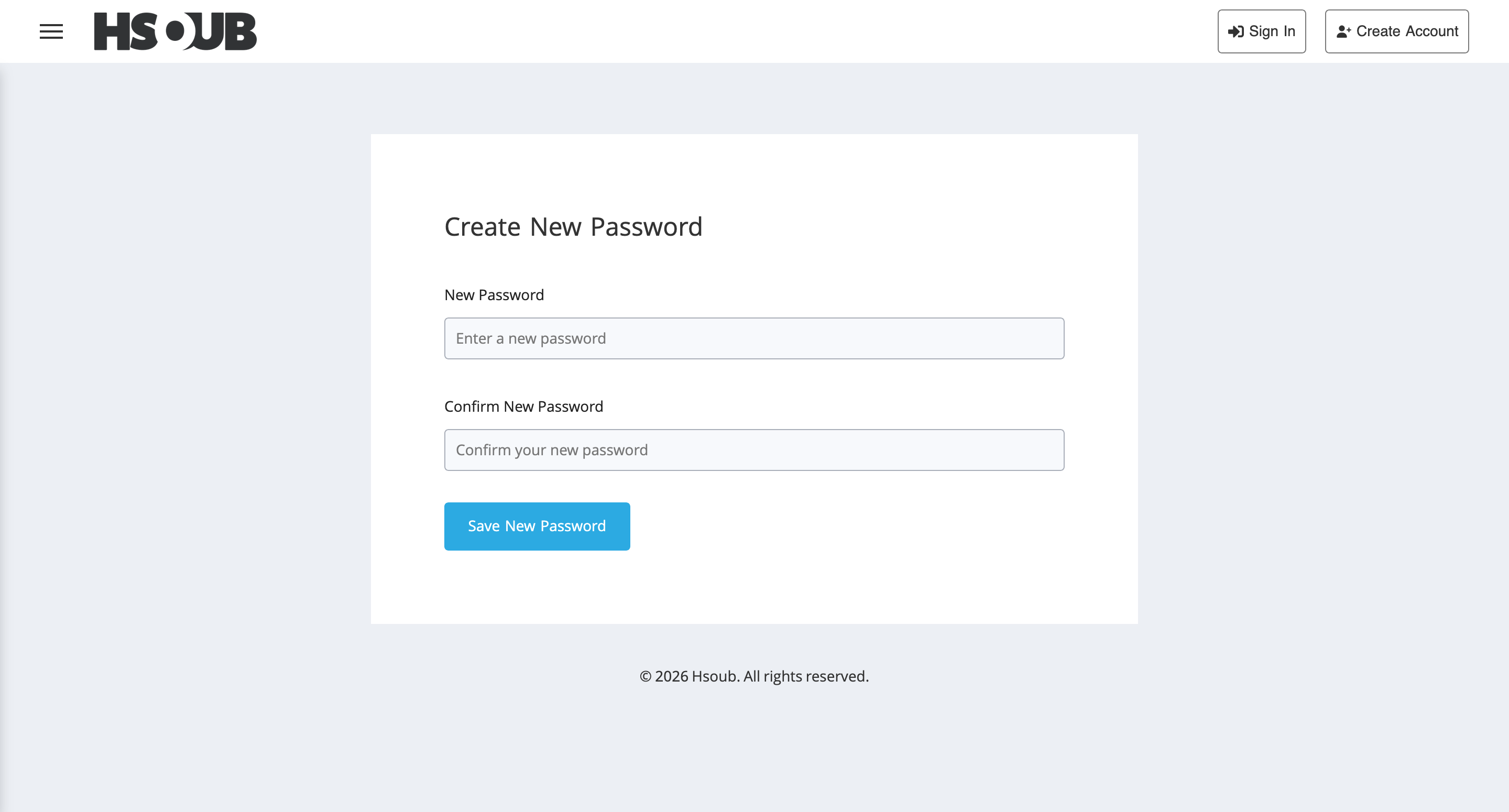
Click Save New Password.
You can now sign in using your email address and new password.
Why Is My Password Reset Link Invalid or Expired?
This can happen if you've requested multiple password resets and are using an older link.
To resolve the issue:
- Request a new password reset email.
- Open the most recent email from Hsoub.
- Use the reset link in that email instead of an earlier one.