
You can change your Hsoub account password from your personal information settings.
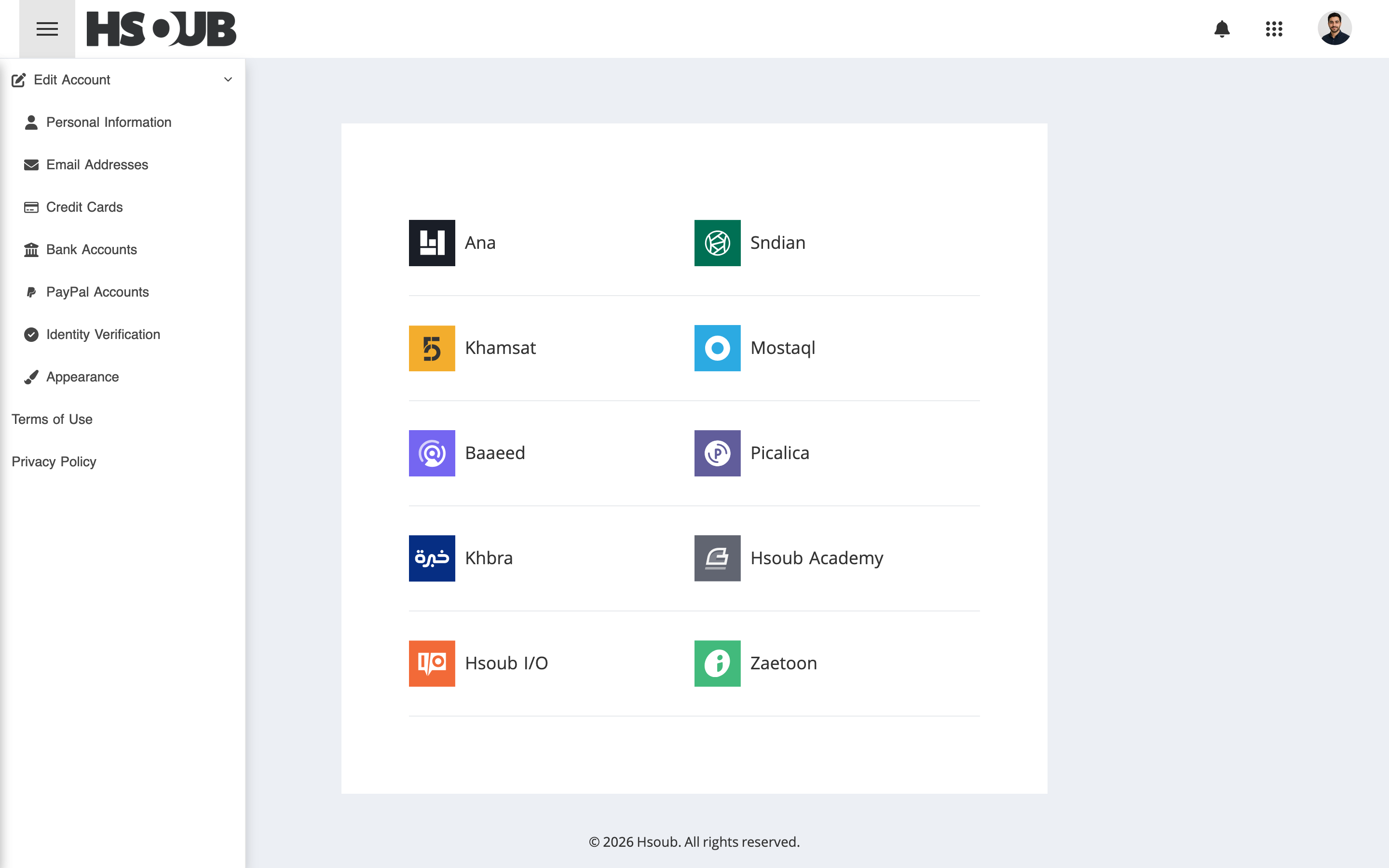
Go to Hsoub Accounts, then select Personal Information from the sidebar.
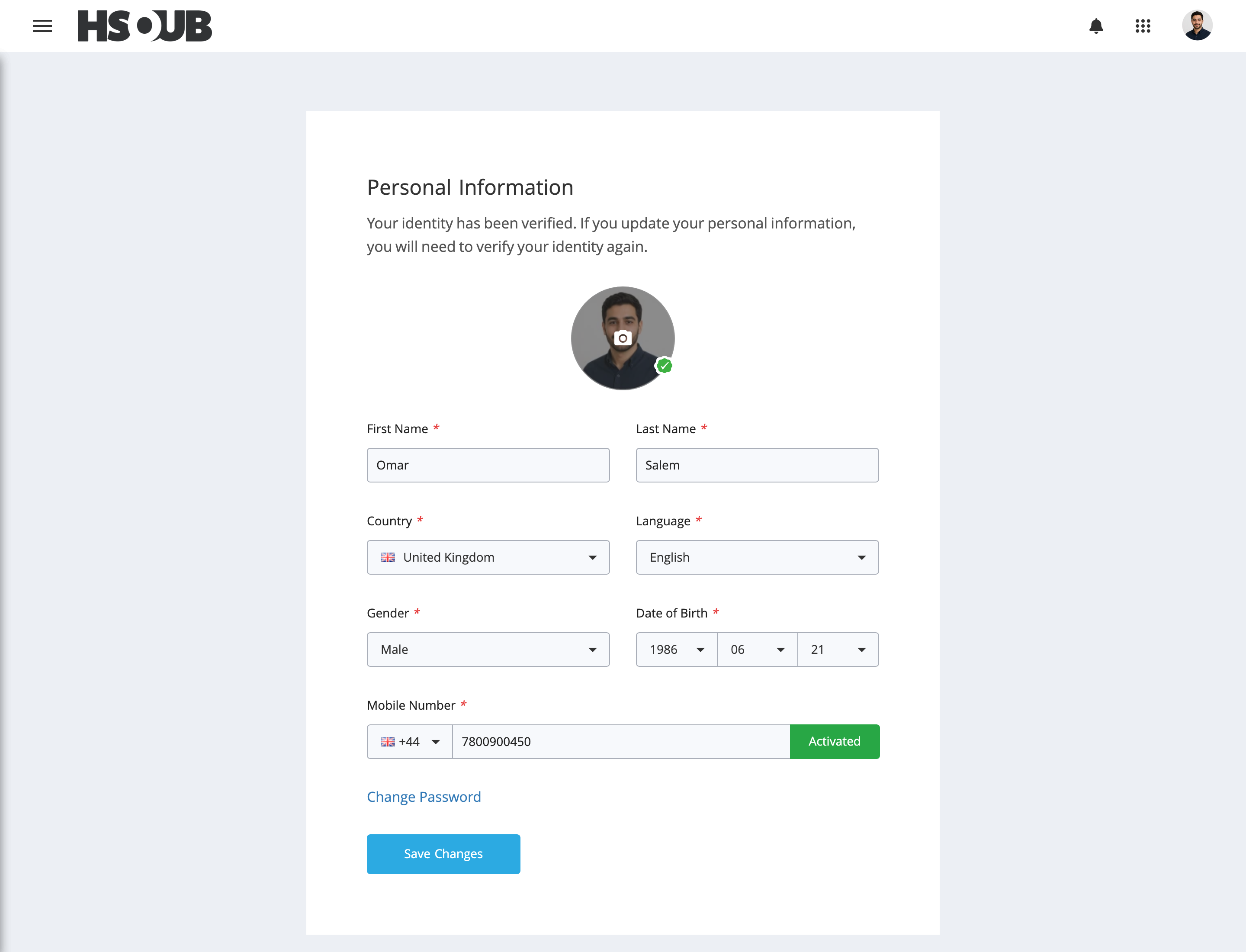
Click Change Password.
Enter the following information:
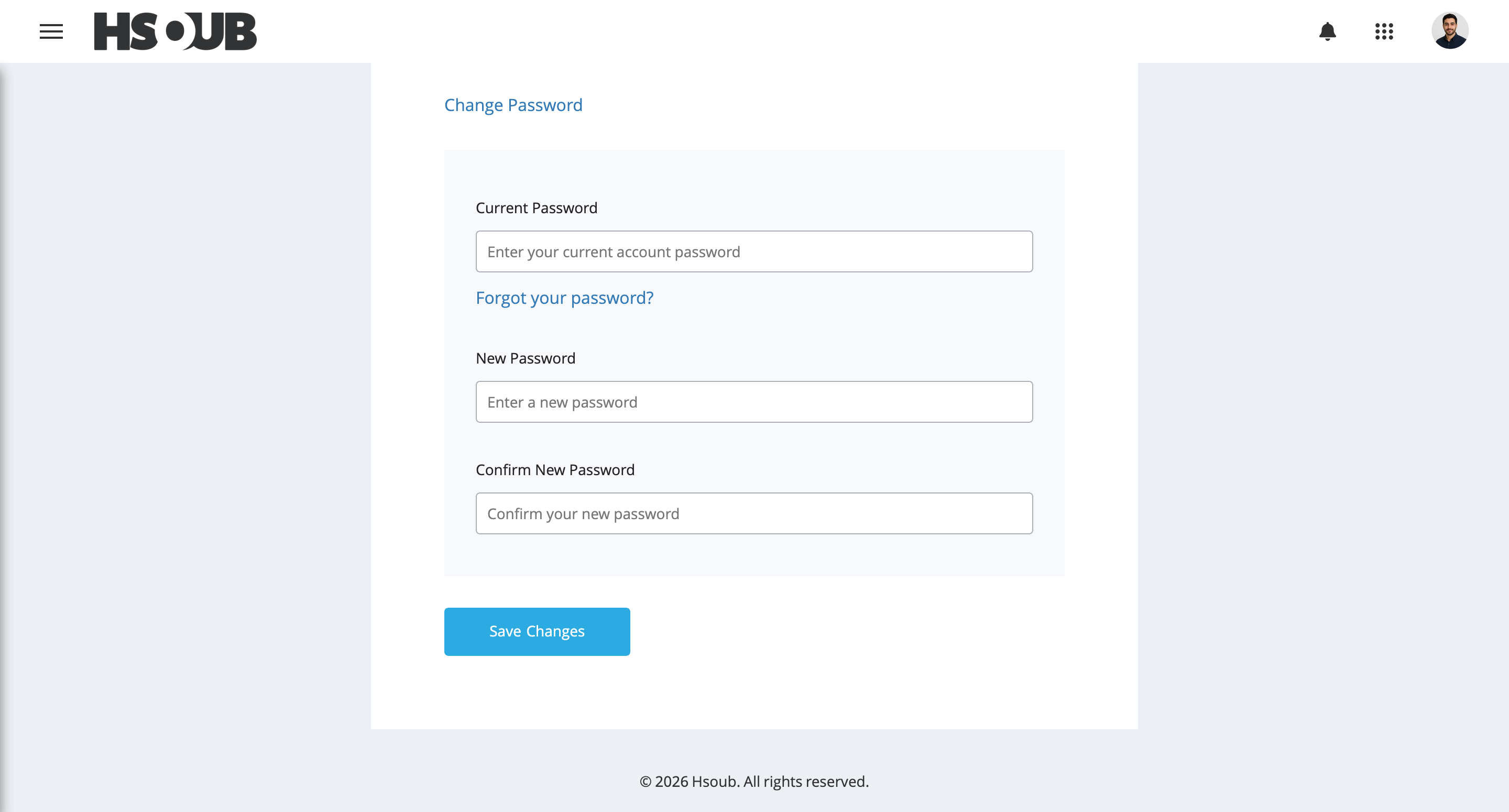
- Current Password: Enter your current account password.
- New Password: Enter your new password.
- Confirm New Password: Enter your new password again to confirm it.
Click Save Changes.
Password Requirements
When choosing a new password, make sure that:
- It contains uppercase and lowercase letters.
- It contains numbers and symbols.
- It is not used on any other website or service.