You can add credit cards to your Hsoub account and use them for payments across Hsoub platforms. All payments are processed securely over encrypted connections.
Add a Credit Card
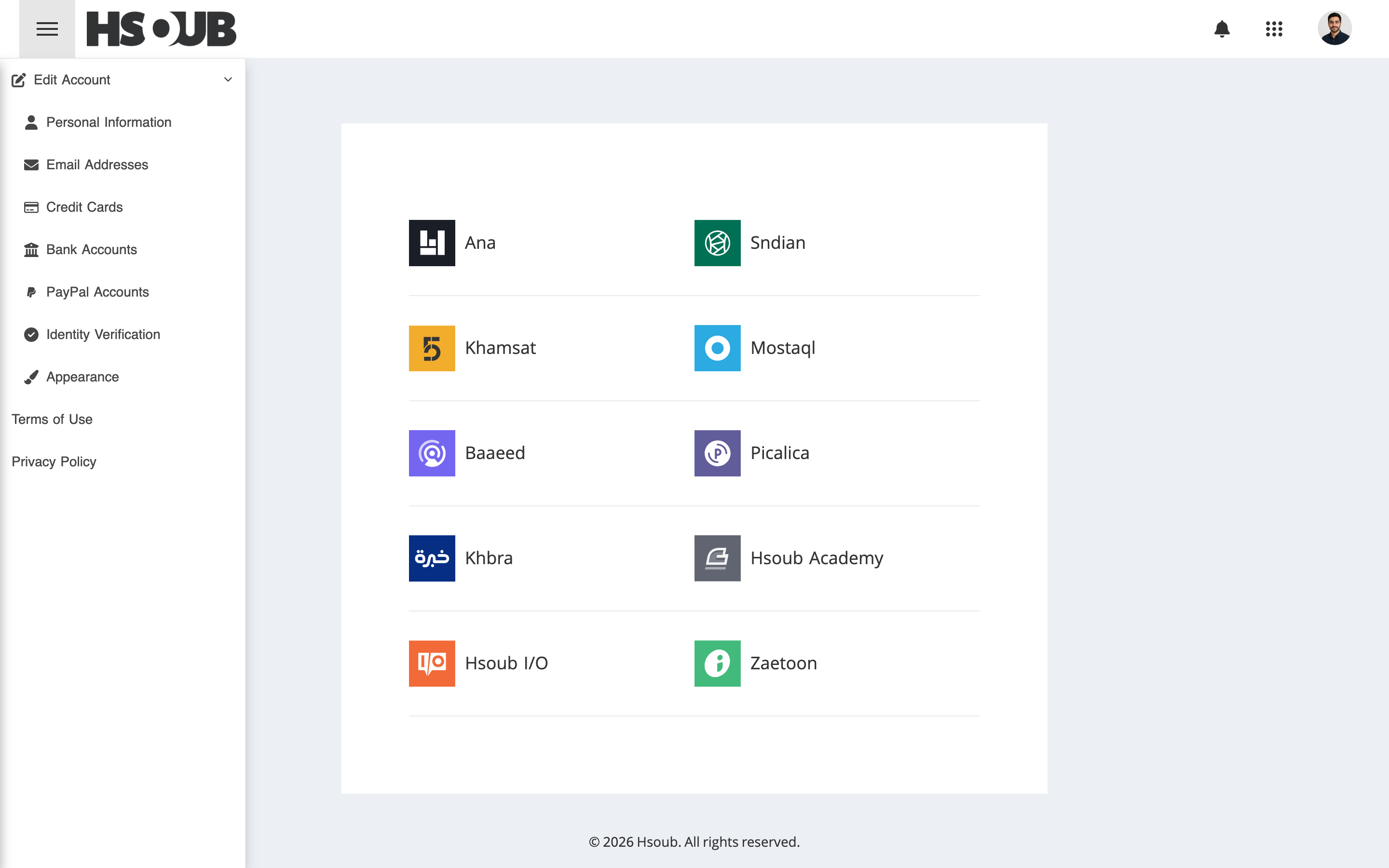
Go to Hsoub Accounts, then select Credit Cards from the sidebar.
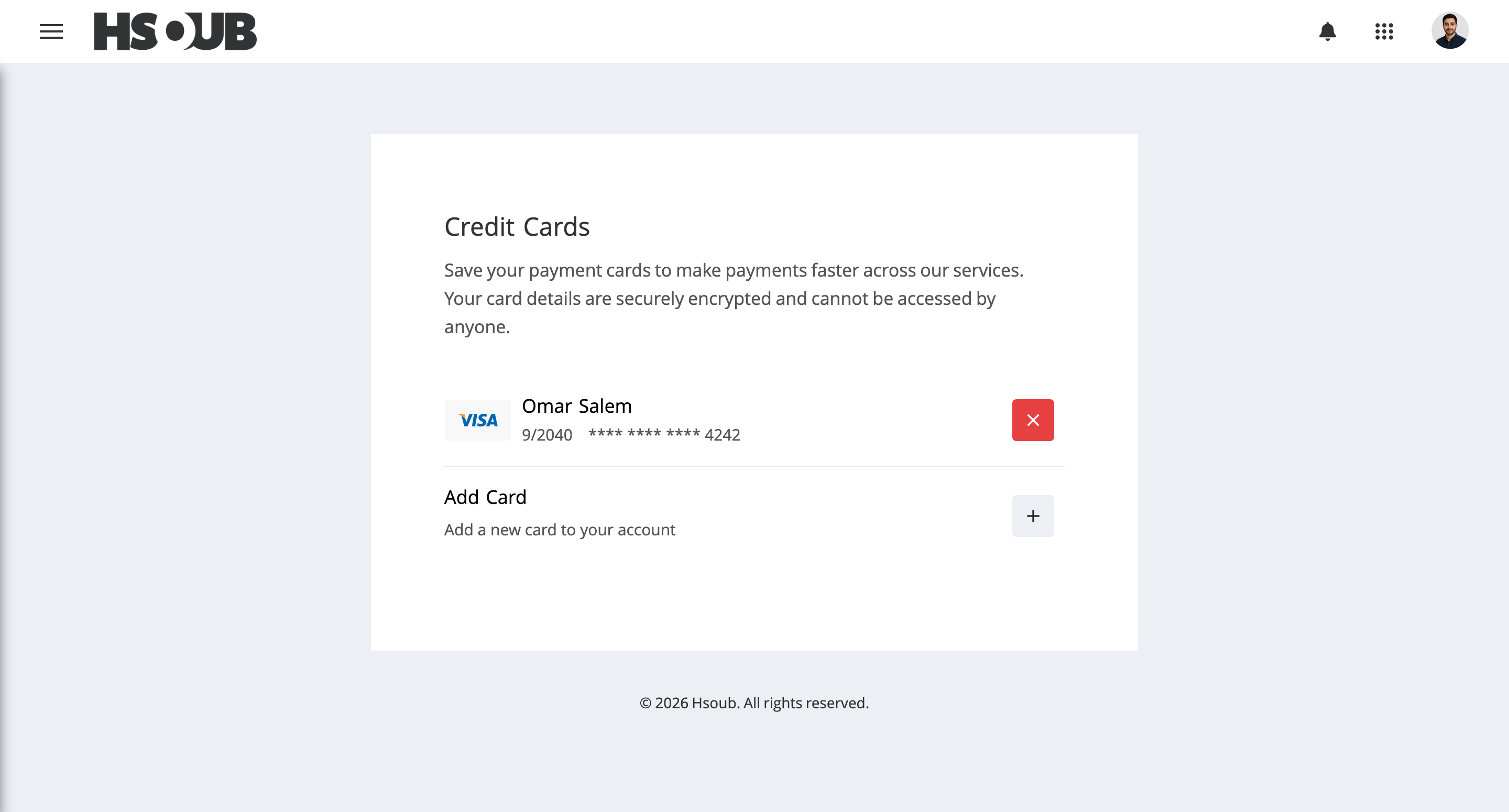
Click Add Card.
Enter the following information:
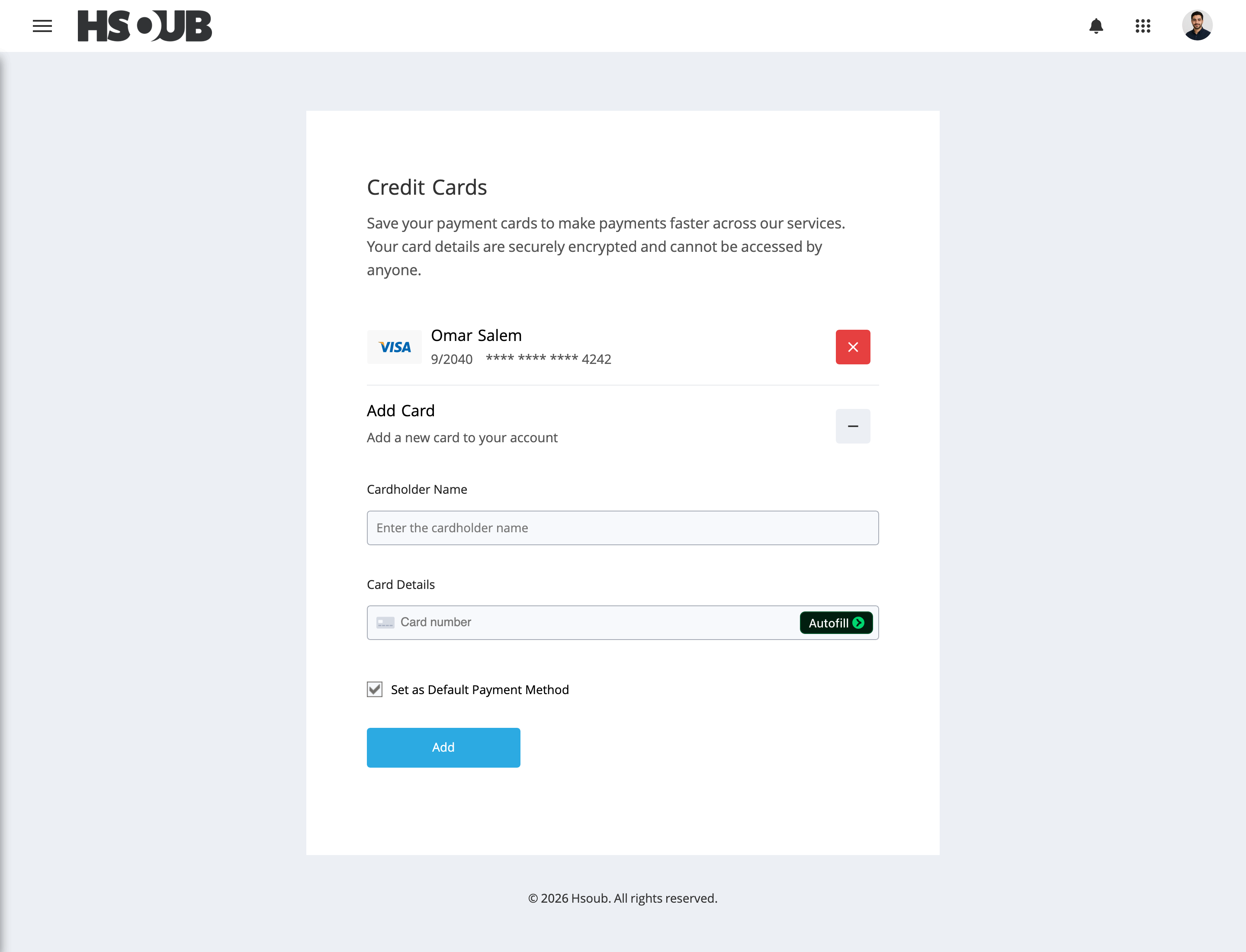
- Cardholder Name: Enter the name exactly as it appears on the card.
- Card Details: Enter the card number, expiration date (MM/YY), and security code (CVC/CVV).
- Set as Default Payment Method: Select this checkbox if you want to use the card as your default payment method.
Click Add to save the card.
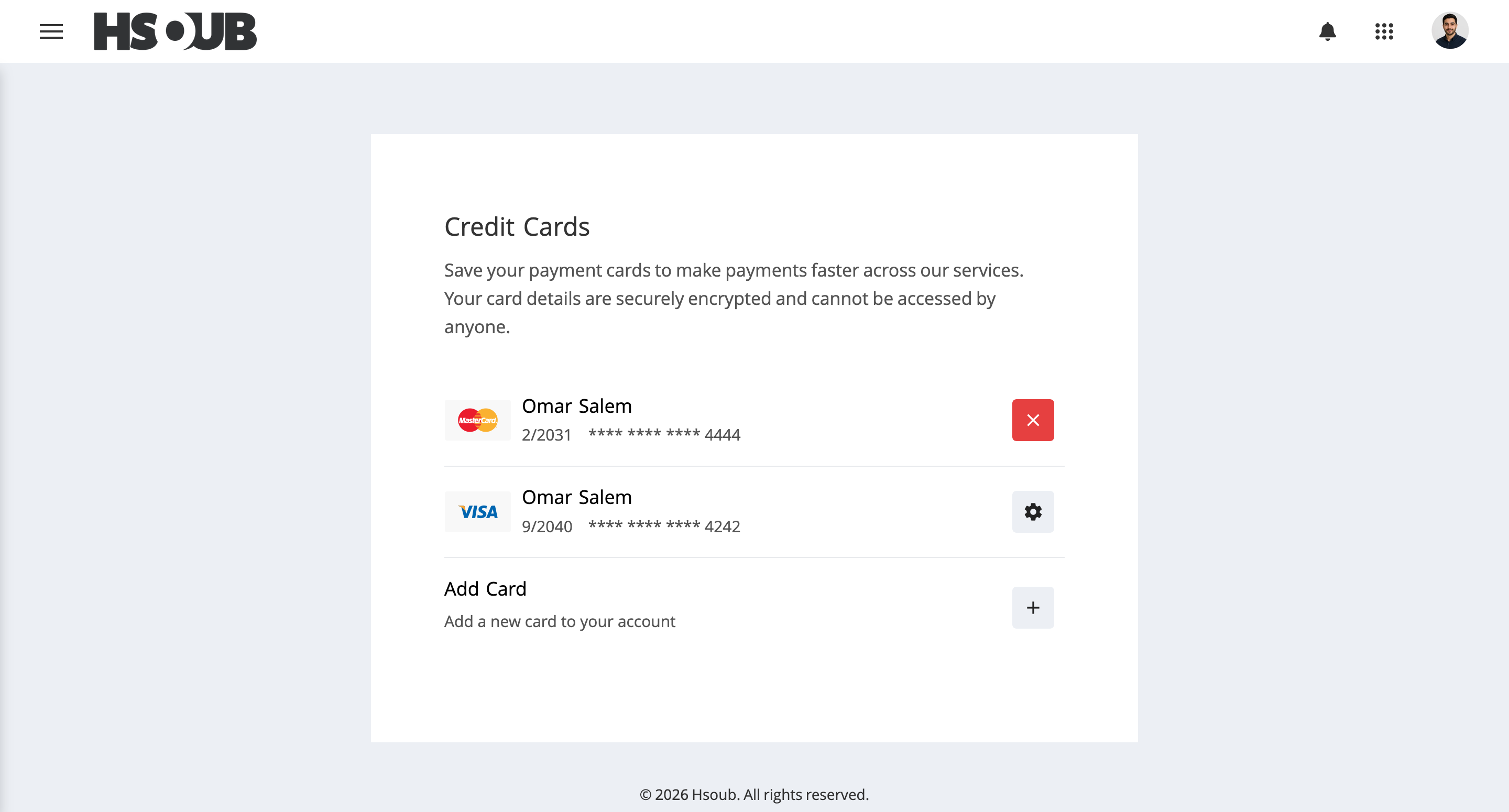
Set a Default Payment Method
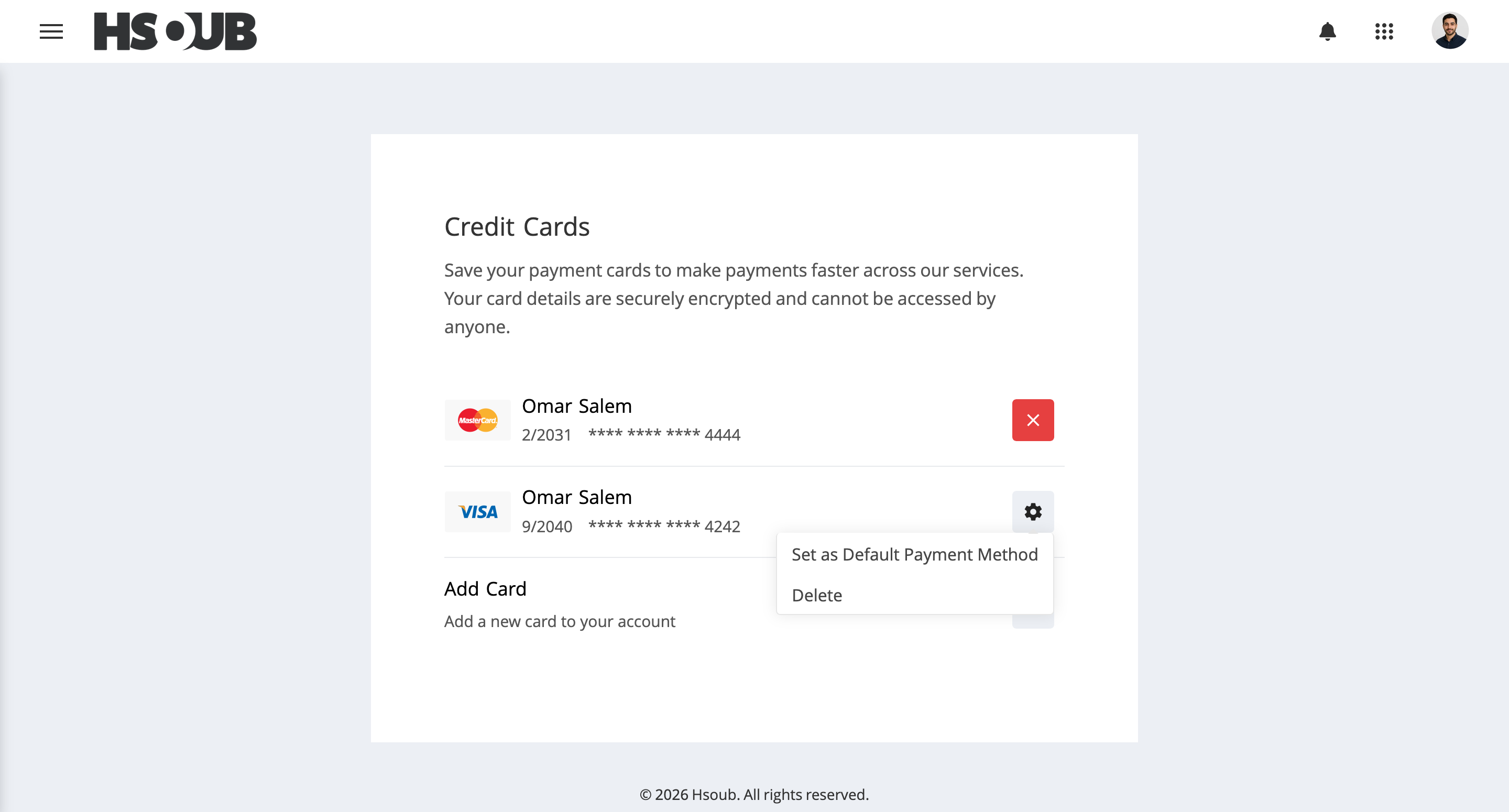
Click the settings icon next to the card you want to make your default payment method, then select Set as Default Payment Method.
Remove a Credit Card
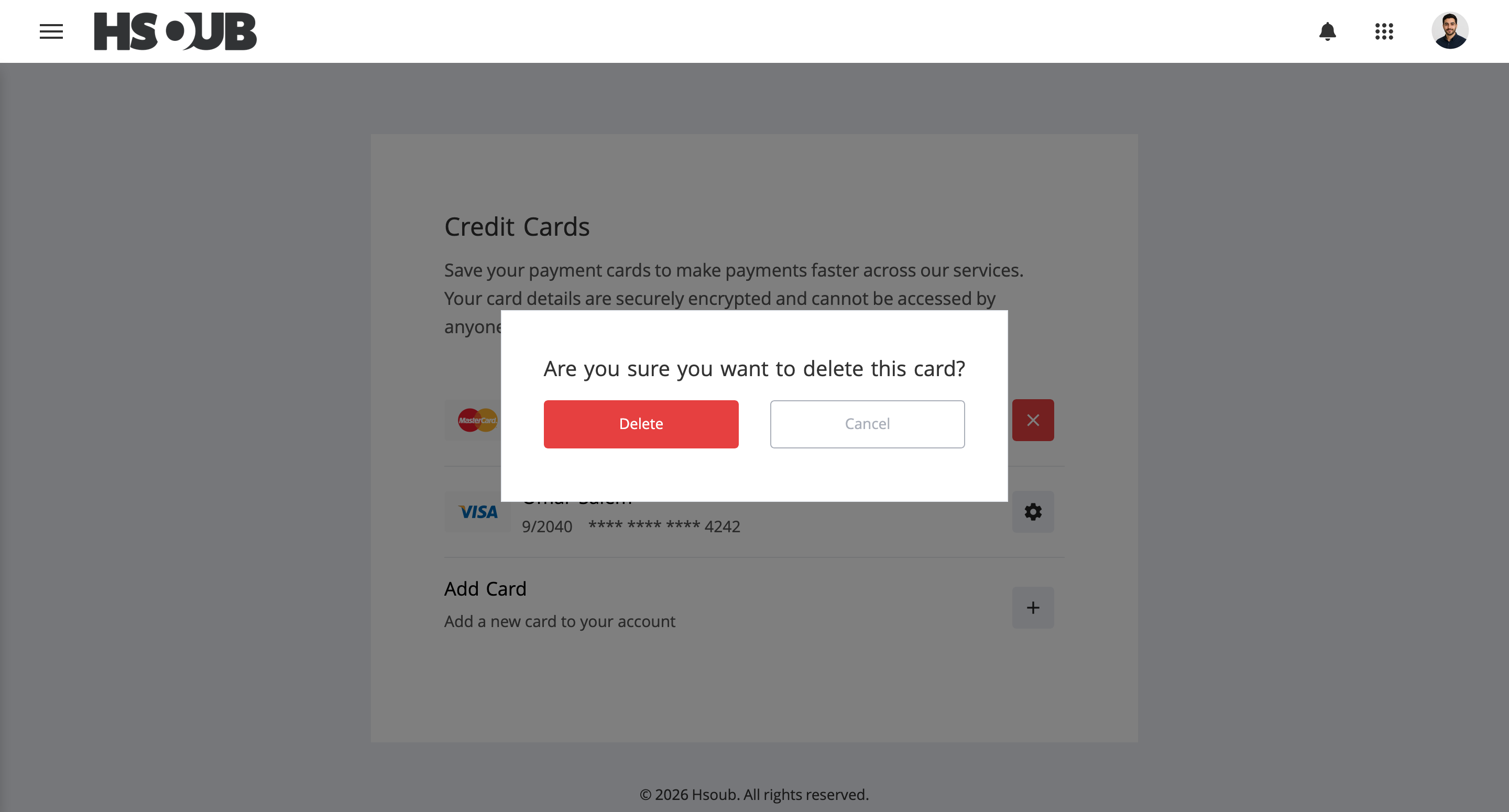
Click the delete icon next to the default card. To remove an additional card, click its settings icon and select Delete.
A confirmation dialog will appear. Click Delete to remove the card from your account.