A Hsoub account gives you access to all Hsoub platforms and services using a single account.
Go to Hsoub Accounts, then click Create Account.
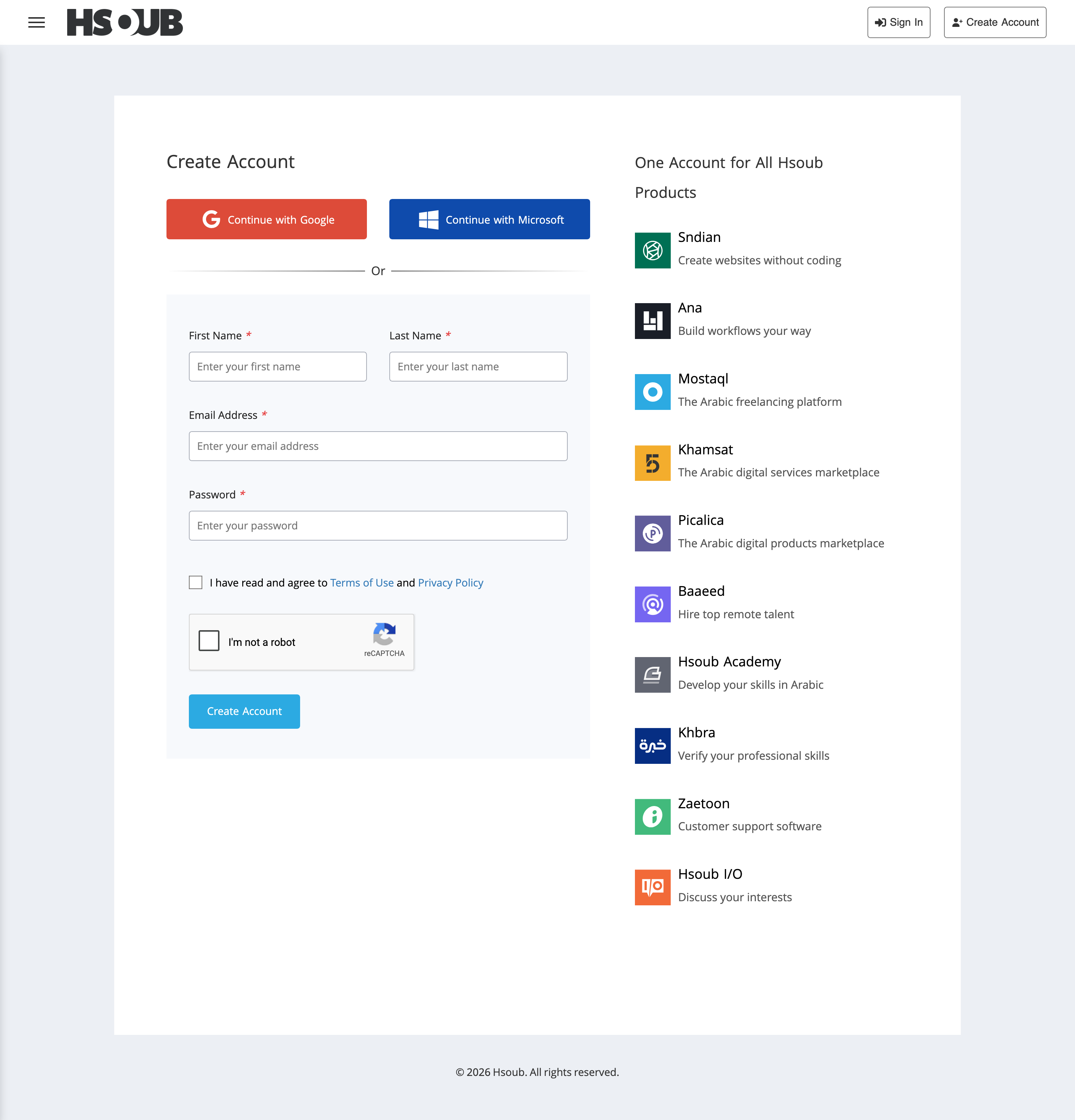
Complete the registration form:
- First Name and Last Name: Enter your real name so other users can identify you and have greater confidence in your profile.
- Email Address: Enter a valid email address that you can access to activate your account.
- Password: Choose a strong password that includes uppercase and lowercase letters, numbers, and symbols.
Review the Terms of Use and Privacy Policy, then select the checkbox to confirm your acceptance. Complete the CAPTCHA verification, then click Create Account.
Create an Account with Google or Microsoft
You can also create a Hsoub account using Google or Microsoft. Click Continue with Google or Continue with Microsoft, then sign in and complete the authorization process.
Activate Your Account
Check your inbox for an email from Hsoub Accounts with the subject Welcome to Hsoub - Activate Your Account.
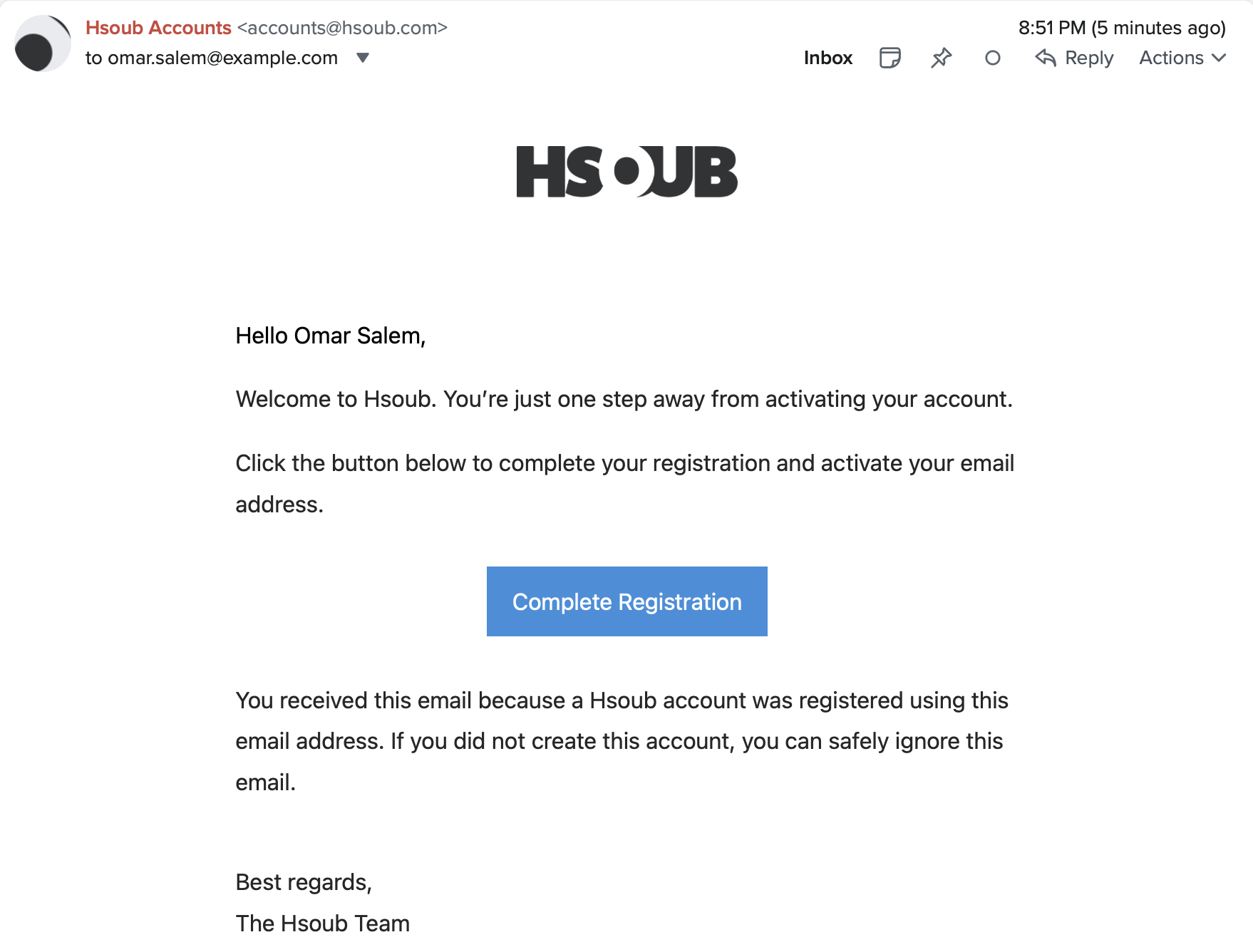
Click Complete Registration to activate your account.
Didn't Receive the Activation Email?
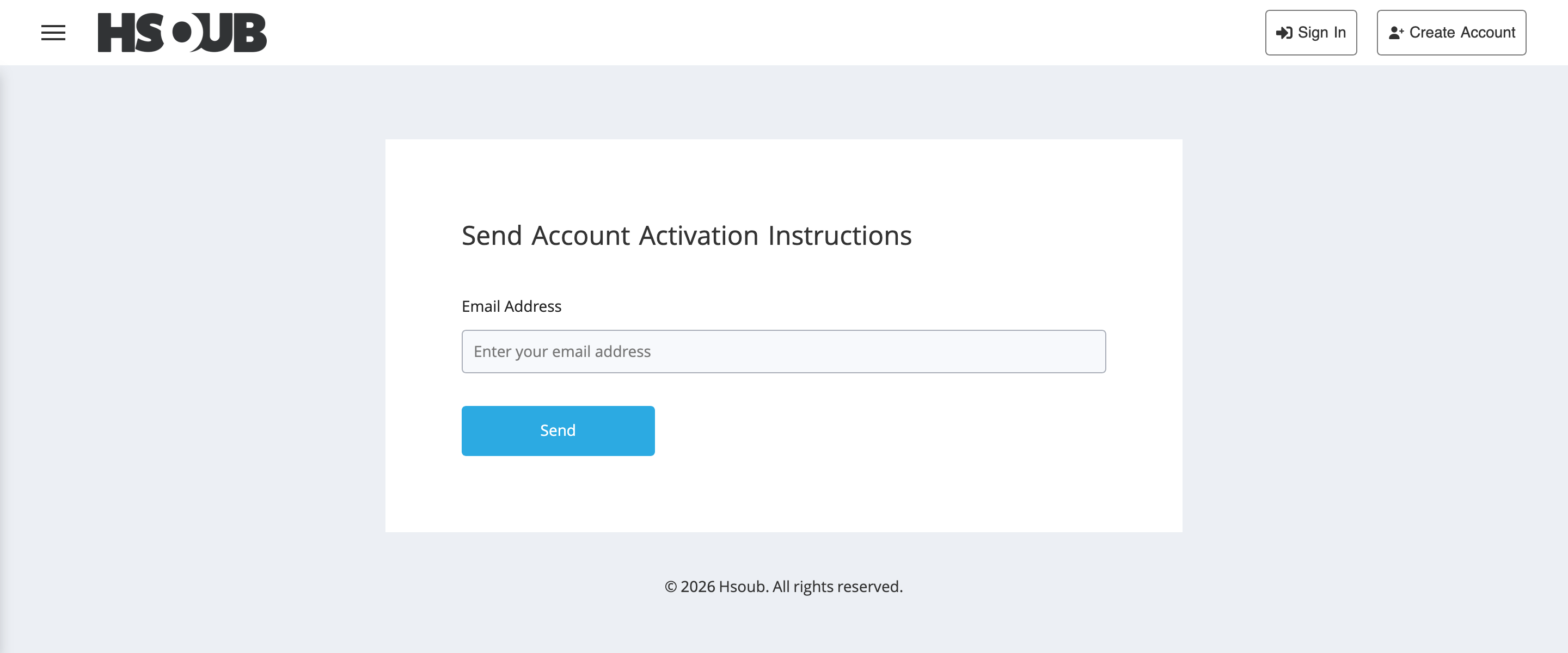
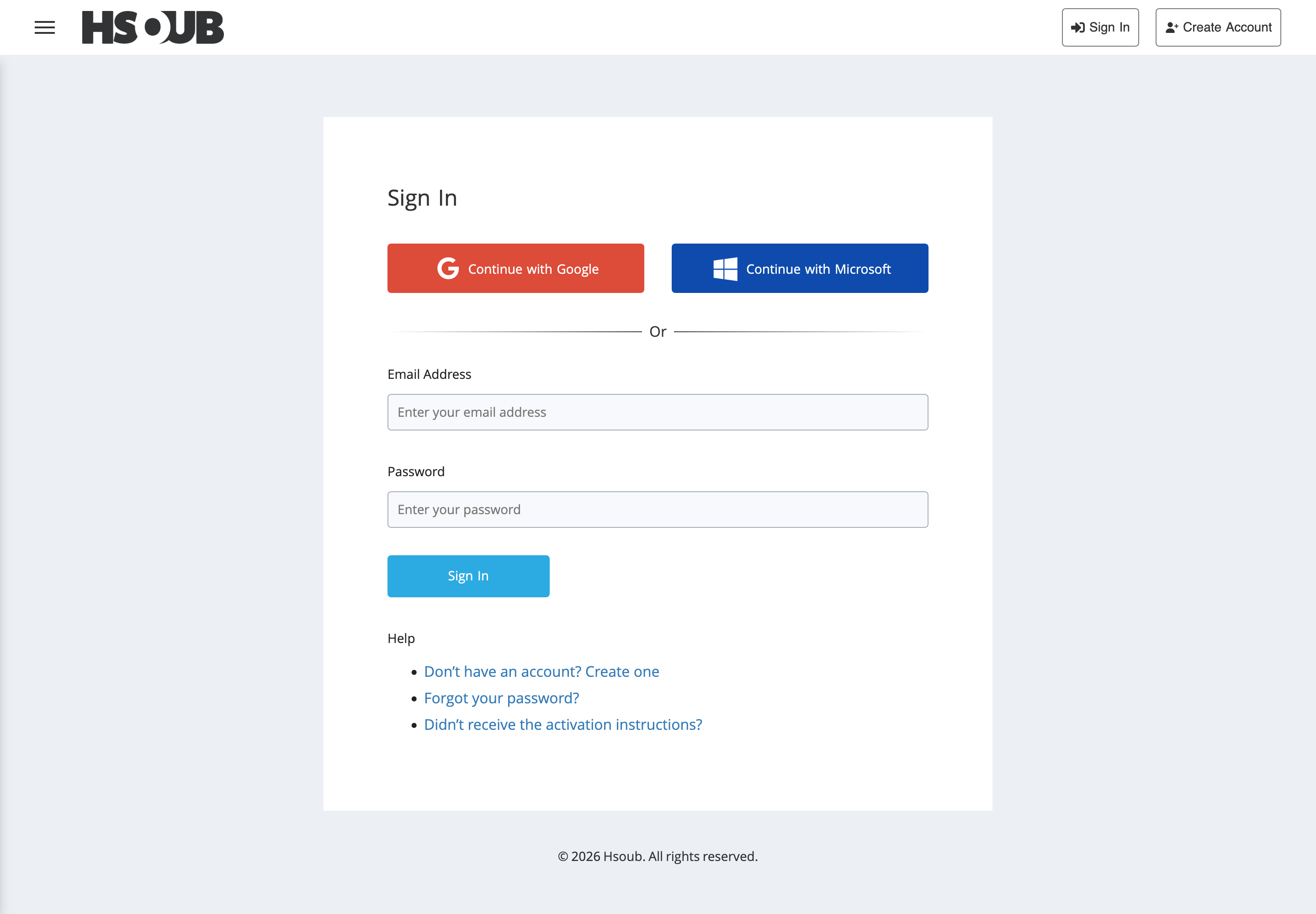
If you haven't received the activation email, go to the Sign In page and click Didn't receive the activation instructions?
Enter your email address, then click Send to request new activation instructions.