
Keeping your personal information up to date helps other users identify you and builds trust in your profile.
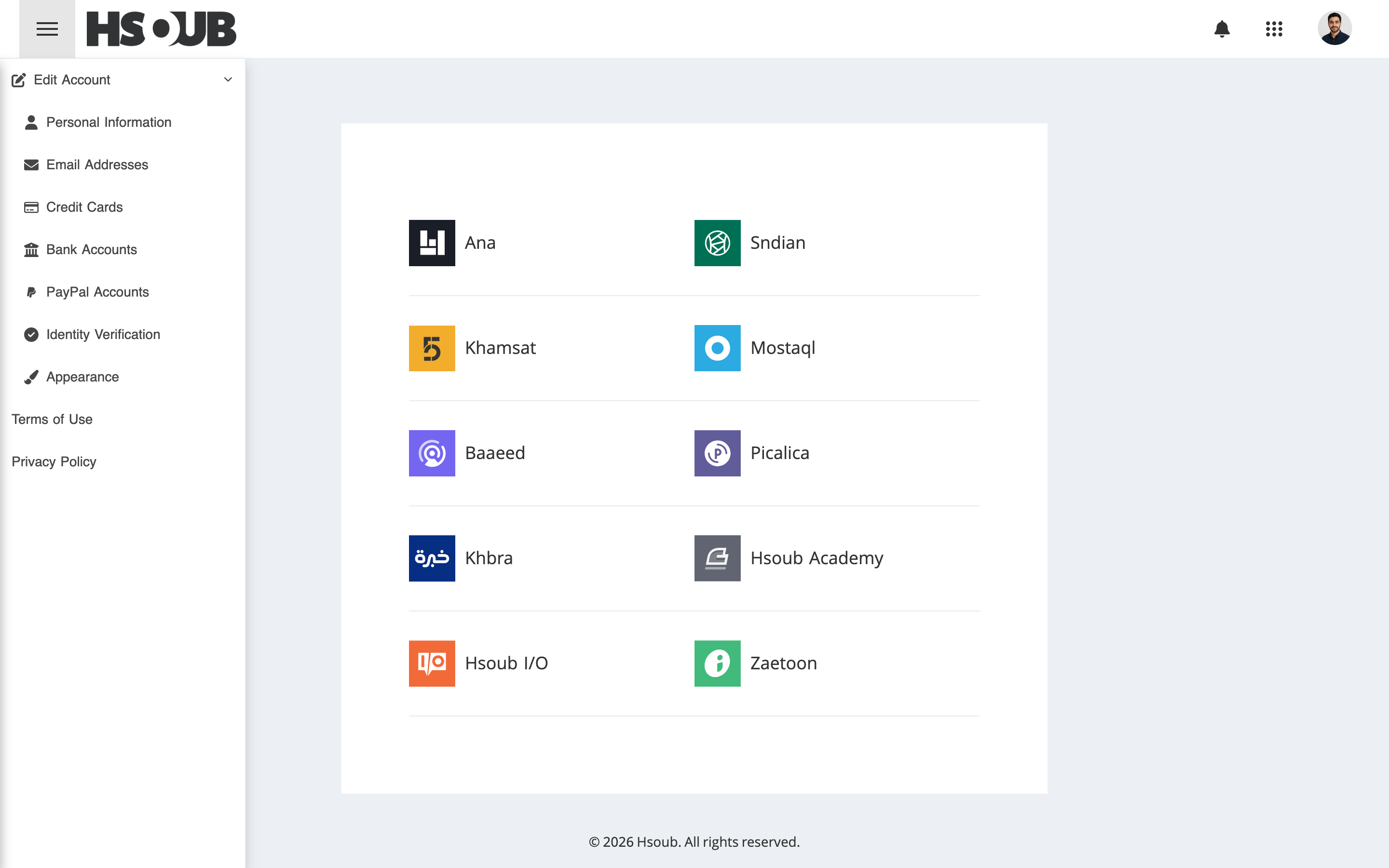
Go to Hsoub Accounts, then select Personal Information from the sidebar.
On the Personal Information page, you can add or update the following details:
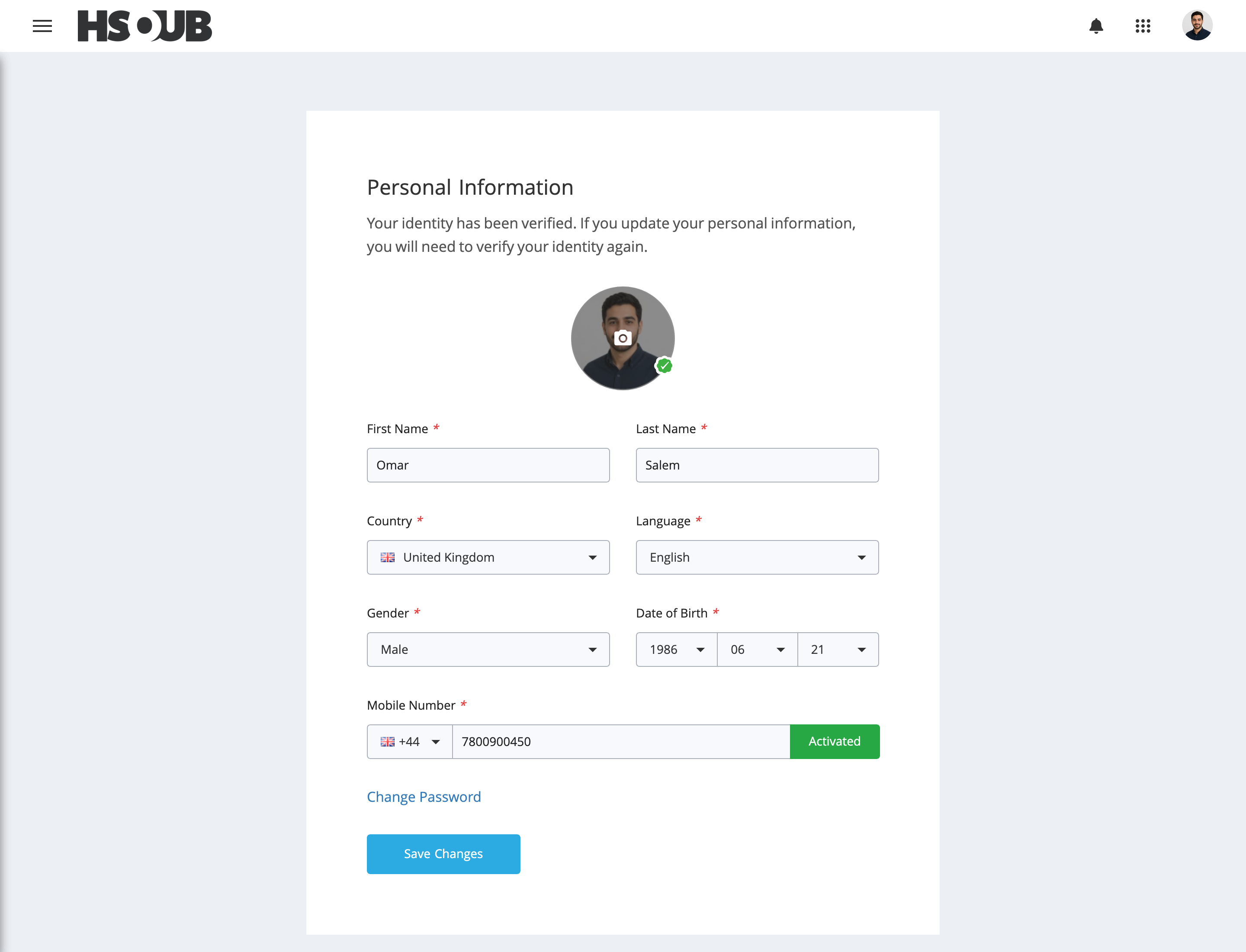
- Profile picture
- First and last name
- Country
- Preferred language
- Gender
- Date of birth
- Mobile number
After making your changes, click Save Changes.
Note: If your identity has already been verified, updating your personal information will require you to verify your identity again.